Welcome to SO-Sprite documentation
What is this?
SO-Sprite is an add-on for Blender designed to radically simplify the creation and management of animated 2D sprites within 3D environments. It is aimed at artists looking to integrate 2D elements into their 3D projects seamlessly and intuitively.
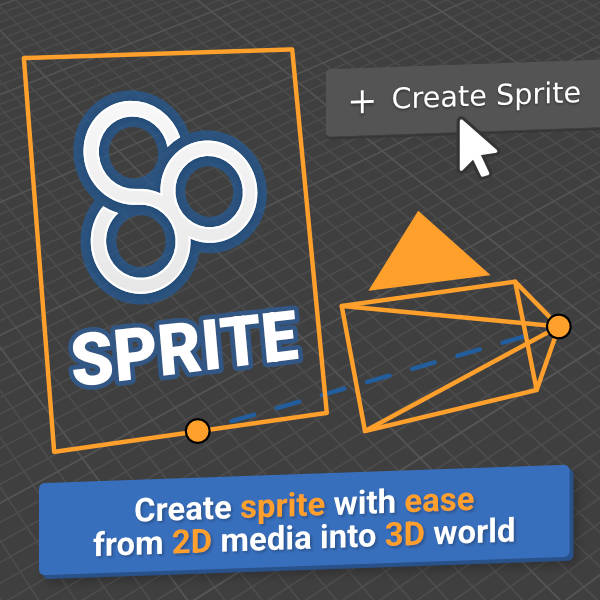 Integrating 2D elements into a 3D scene, such as a sequence of images for an explosion or an animated character, can often prove tedious. You need to create a plane with the correct dimensions, set up material with the right nodes, set up camera tracking and manage the timing of the animation. SO-Sprite automates all these technical steps through a user-friendly interface. The aim is clear: to enable artists to concentrate on creativity rather than technical setup.
Main use cases and extended potential
The initial aim of SO-Sprite is to enable the creation of simple visual effects without resorting to complex physical simulations, which are often cumbersome and slow to compute. Think of effects like :
- Smoke rising from a chimney.
- Crackling fire in a camp.
- Cartoonish explosions.
- Water splashes or magic particles.
But its potential extends far beyond that. SO-Sprite is a versatile tool that can be used for :
- Motion Design: Quickly add animated 2D graphics to 3D compositions.
- Architectural Visualization: Simulate the presence of characters or animated vegetation in a lightweight way and efficiently.
- Rapid Prototyping: Test ideas for animation or visual effects without investing time in complex 3D particle setup.
In short, SO-Sprite is a powerful workflow accelerator that transforms a potentially complex task into a simple, creative process, making 2D sprites accessible and efficient for all Blender users.
Features
-
Create a plane with imported media
video, image sequence, image
-
Define correct tracking mode
2D, 3D, Flat, None
-
Tweak material settings
emission, transparency, roughness
-
Tweak animation settings
loop, frame start
-
And more...
Where to buy?
You can purchase this essential add-on from:
Need a feature?
If you have a specific need or a suggestion to improve the add-on, don't hesitate to contact me on Superhive, Gumroad or by email. at s oriat.fr.
If you encounter a problem, please refer to our troubleshooting guide .